Open catalogueNew tab

DEVINSAN / TECHNICAL RESOURCES
Access product catalogues. Clarify the dimensions, drawings and documents your project needs with our technical team.
Browse product catalogues01 / PRODUCT CATALOGUES
Choose a product family or search by model code. Catalogues open in Google Drive in a new tab. Confirm the current revision and the configuration for your project with our team.
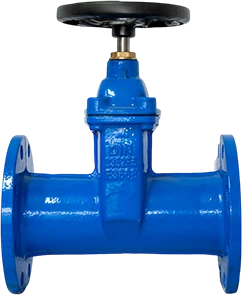

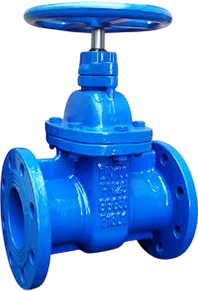
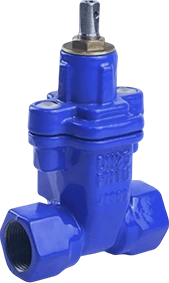

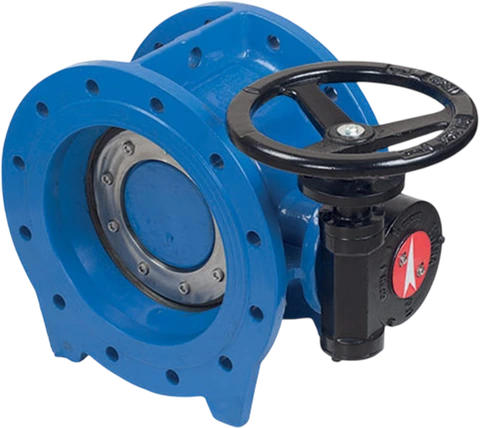


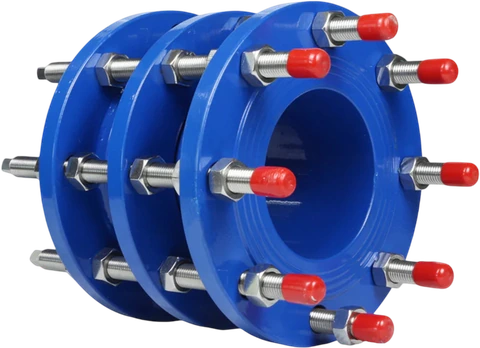

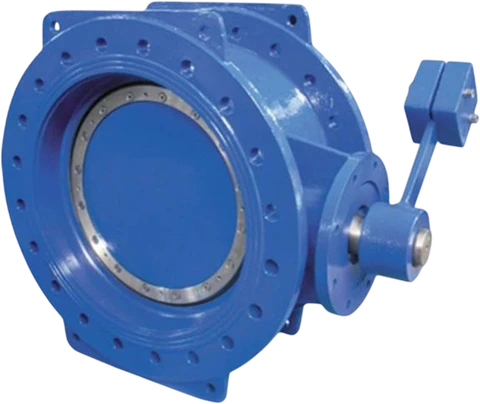
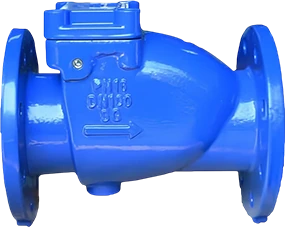
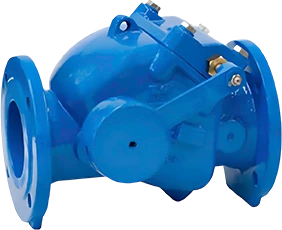
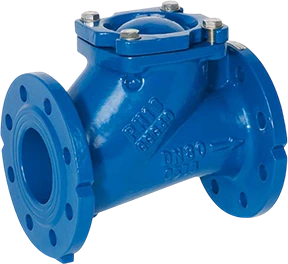
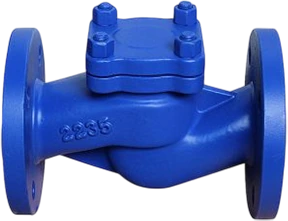
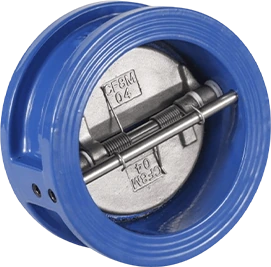
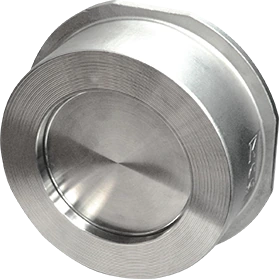

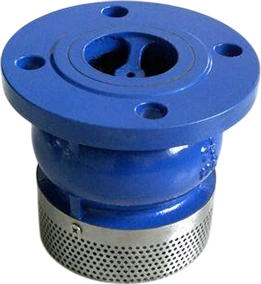
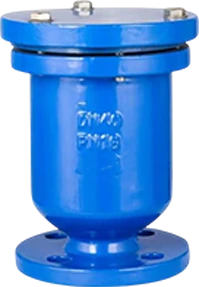
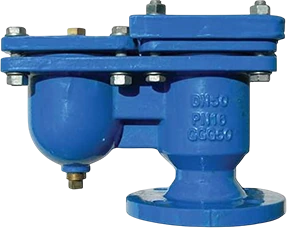
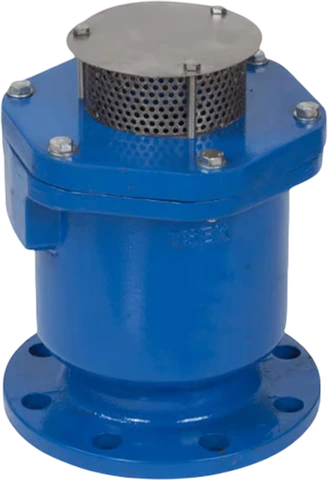
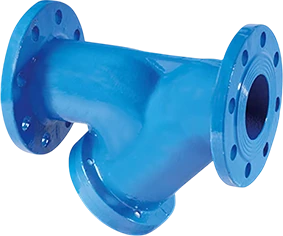
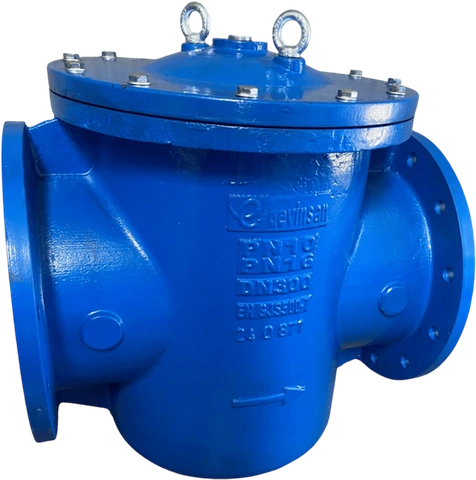

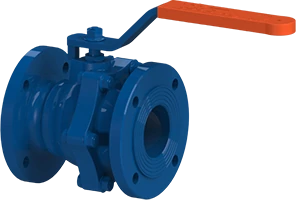


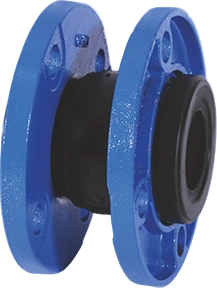

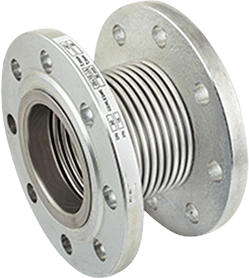
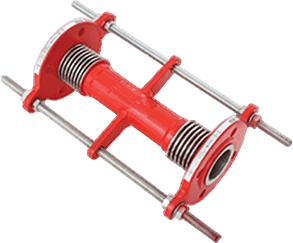
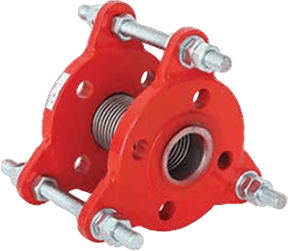
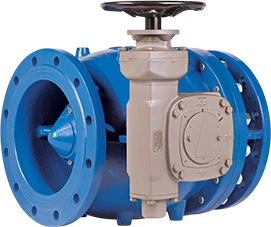
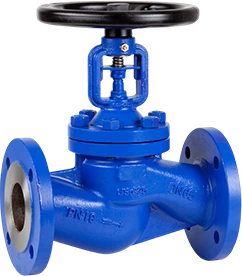

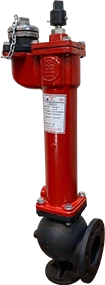
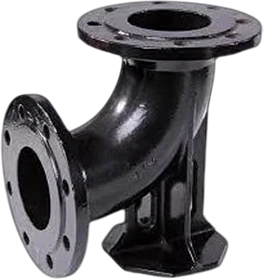

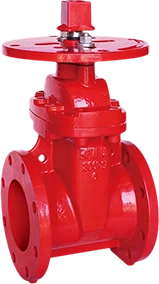
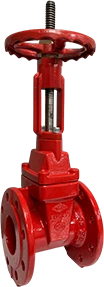
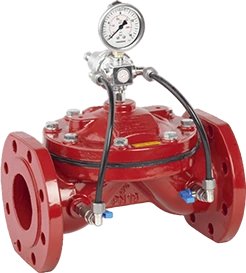
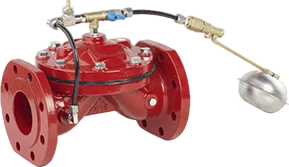
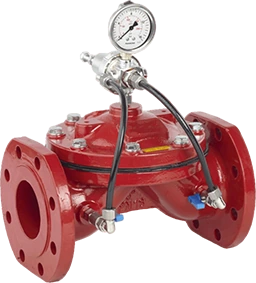
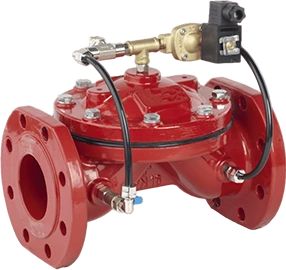
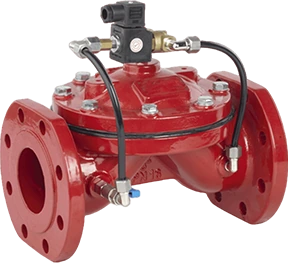
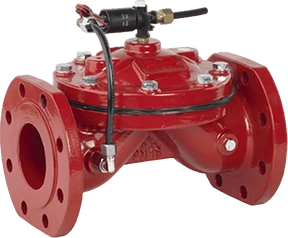
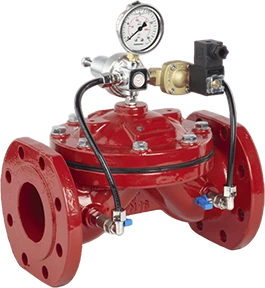
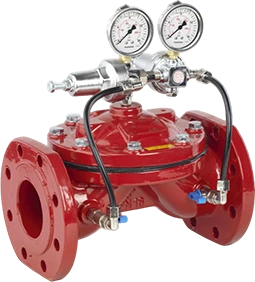
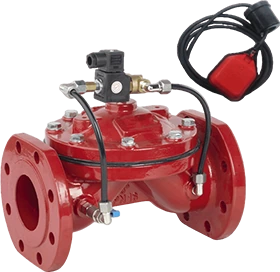
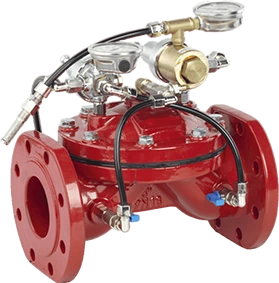
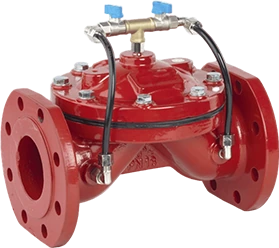
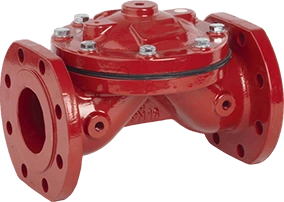
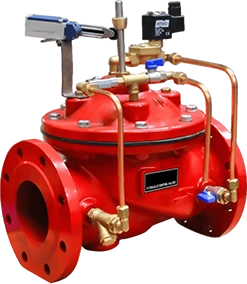
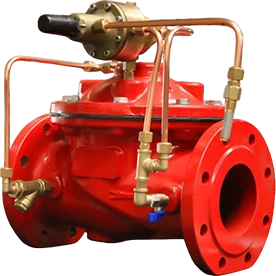
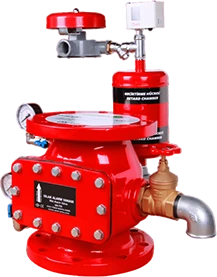
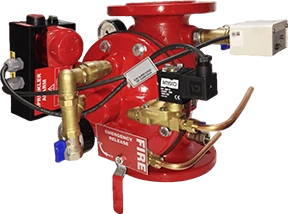
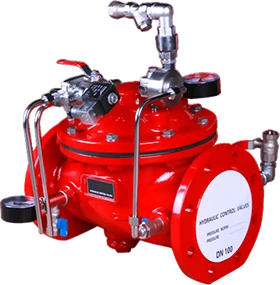
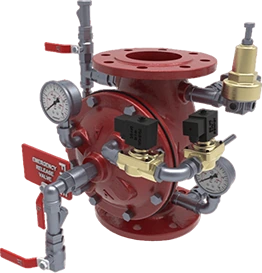
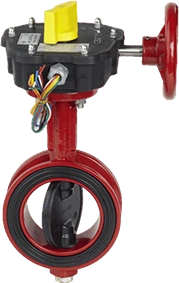
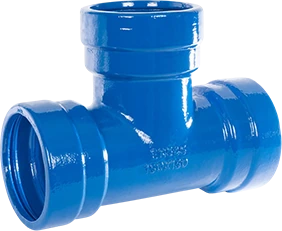
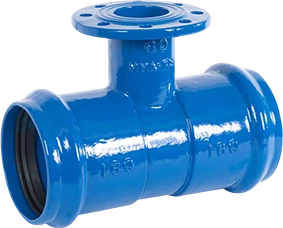
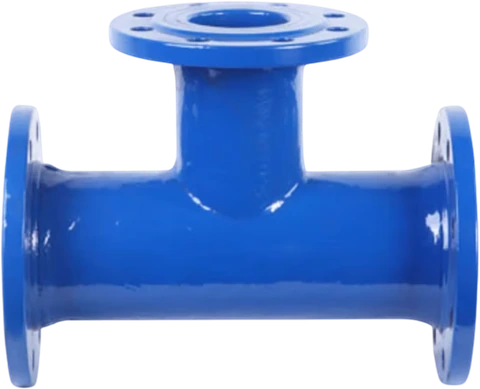
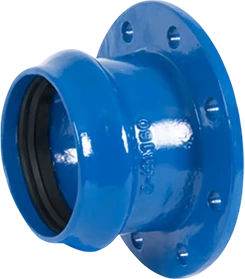


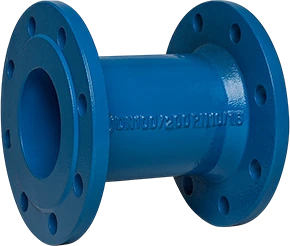
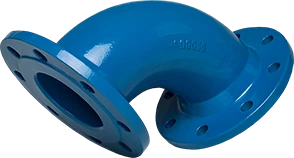


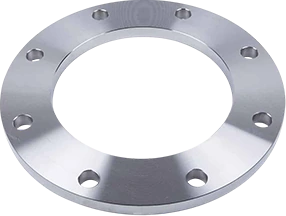
Change the search or product family, clear the filters, or request the relevant catalogue from our team.
02 / DOCUMENT REQUESTS
Every project calls for different details. Prepare your document request around the selected product and configuration.
If your model is not listed, share its code or name. Request current technical information for the relevant configuration.
Identify the drawing you need with the model, size and connection details. You can also include your preferred file format.
Share the product code and specification. We can clarify the requested document scope for the relevant product, component and order.
Include the product code, required dimensions and any project specification. Confirm the relevant document scope with our technical team.
03 / TECHNICAL QUESTIONS
Information to help clarify product selection and document requests.
Share the product code or type, quantity, fluid, operating pressure and temperature, required DN/PN, connection standard and operating method. Installation conditions and any project specification also help with the review.
The fluid, materials, seals, operating conditions, connections and installation requirements also need to be considered together. Final product specifications should be confirmed against the current technical information for the selected model and configuration.
First clear the search and product family filters. If no link is listed, prepare a catalogue request with the product code or name. Use the model list on the products page if you do not know the code.
Include the product model, nominal size, connection details and operating option. Add the views and file format you need. Drawing scope and file availability are reviewed for the requested configuration.
Specify the document you need, the product code and the project specification. Include order details if the request concerns an existing order. The covered product or component, document validity and applicability to the configuration should be confirmed separately.
YOUR NEXT STEP